Play your own ROM
NGP Player
Choose a compatible Neo Geo Pocket file from this device and start playing. Your selected file stays local to this device.
Play approved homebrew
Homebrew for Neo Geo Pocket
Choose a community-made homebrew game approved for use with Free Play Bay.
No approved homebrew has been added for this emulator yet.
Neo Geo Pocket Emulator
NGP Player
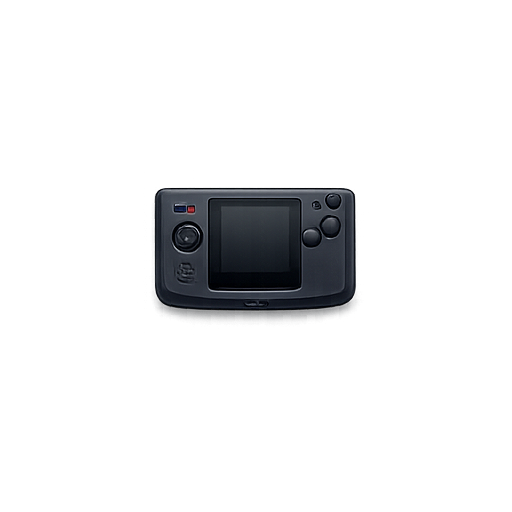
Play compatible Neo Geo Pocket and Pocket Color games from your device.
A. Using your own ROM
Load a local file
Use the file picker above for a compatible file you are authorized to use.
- Supported formats: .ngp, .ngc, .zip, .7z.
- 100% local: selected files are not uploaded.
- Authorization required: use only files you may legally possess.
B. Play approved homebrew
Try hosted homebrew
Available homebrew appears near the top with artwork, details, and a direct Play button.
- Curated: entries are added through the Free Play Bay admin catalog.
- Quick to start: no separate ROM picker is needed.
- Artwork fallback: an emoji appears when no cover image is available.
Player settings
Reset emulator settings or customize the touch-control layout before you start.
Bluetooth & USB controllers
Pair the controller in your device settings, then press any controller button on this page.
Pair the controller in your device Bluetooth settings, return to this page, tap the button above, then press any controller button.
No ROM upload route is used. Saves, settings, and custom control layouts remain in this browser.
Free Play Bay
Loading emulatorStarting the local self-hosted emulator. Game files stay in this browser unless you selected an approved homebrew item.