Play in your browser
Online Emulators
Choose a system and play from your phone, tablet, or computer without installing a separate emulator app. Free Play Bay is designed for mobile browsers on iPhone, iPad, and Android, with touch controls and controller support. Start with approved homebrew or select a compatible game file you are legally authorized to use. Your local files stay on your device.
Online Multiplayer Emulators
Play multiplayer emulators online with friends from anywhere in the world. Host a multiplayer SNES, NES, Sega Genesis, arcade, Nintendo 64, or PlayStation game from your phone, tablet, or computer. Create a room and invite another player to join with touch controls or a supported game controller. Free Play Bay keeps multiplayer separate from the single-player emulators, so you can choose the way you want to play. Open Multiplayer to host or find a room, or scroll down to choose a single-player emulator.
Open the SNES online emulator with mobile touch controls, controller support, approved homebrew, and local file selection.
Open the NES online emulator with mobile touch controls, controller support, approved homebrew, and local file selection.
Open the Game Boy / Color online emulator with mobile touch controls, controller support, approved homebrew, and local file selection.
Open the Game Boy Advance online emulator with mobile touch controls, controller support, approved homebrew, and local file selection.
Open the Sega Genesis online emulator with mobile touch controls, controller support, approved homebrew, and local file selection.
Try the PlayStation browser emulator. Compatibility and mobile performance can vary by game and device.
Try the experimental PlayStation 2 browser emulator with local game files, touch controls, controller support, and persistent virtual memory-card saves.
Try the Nintendo DS browser emulator. Compatibility and mobile performance can vary by game and device.
Try the Nintendo 64 browser emulator. Compatibility and mobile performance can vary by game and device.
Explore the experimental PSP browser emulator on a modern device. Performance and compatibility vary by game.
Try the Arcade MAME 2003 browser emulator. Compatibility and mobile performance can vary by game and device.
Try the Arcade FBNeo browser emulator. Compatibility and mobile performance can vary by game and device.
Open the Sega Master System online emulator with mobile touch controls, controller support, approved homebrew, and local file selection.
Open the Sega Game Gear online emulator with mobile touch controls, controller support, approved homebrew, and local file selection.
Try the Sega CD browser emulator. Compatibility and mobile performance can vary by game and device.
Try the Sega 32X browser emulator. Compatibility and mobile performance can vary by game and device.
Explore the experimental Sega Saturn browser emulator on a modern device. Performance and compatibility vary by game.
Try the TurboGrafx-16 / PC Engine browser emulator. Compatibility and mobile performance can vary by game and device.
Open the Neo Geo Pocket online emulator with mobile touch controls, controller support, approved homebrew, and local file selection.
Open the Atari 2600 online emulator with mobile touch controls, controller support, approved homebrew, and local file selection.
Try the Atari 5200 browser emulator. Compatibility and mobile performance can vary by game and device.
Try the Atari 7800 browser emulator. Compatibility and mobile performance can vary by game and device.
Open the Atari Lynx online emulator with mobile touch controls, controller support, approved homebrew, and local file selection.
Explore the experimental 3DO browser emulator on a modern device. Performance and compatibility vary by game.
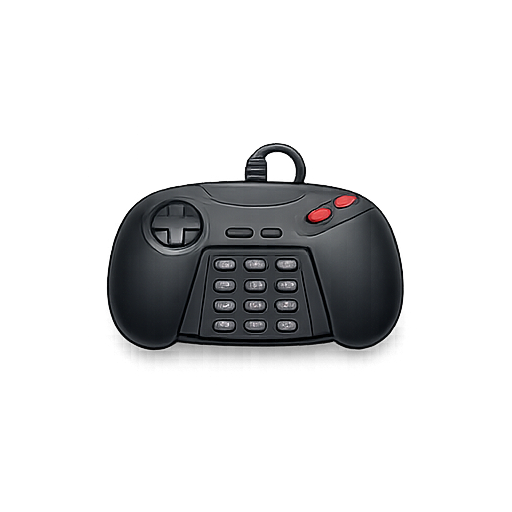
Explore the experimental Atari Jaguar browser emulator on a modern device. Performance and compatibility vary by game.
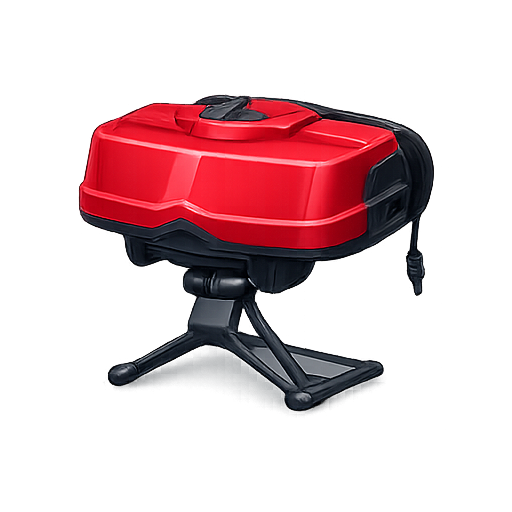
Try the Virtual Boy browser emulator. Compatibility and mobile performance can vary by game and device.
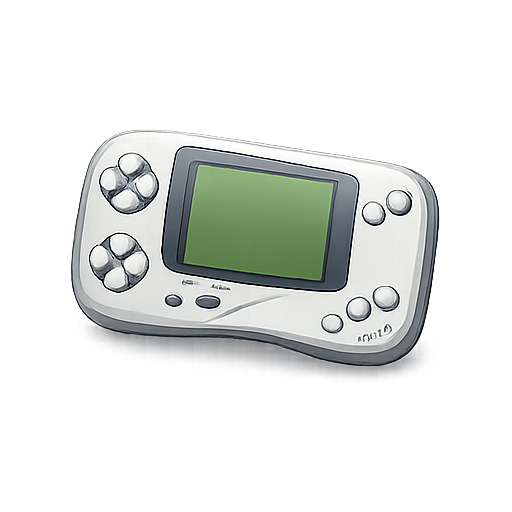
Try the WonderSwan browser emulator. Compatibility and mobile performance can vary by game and device.
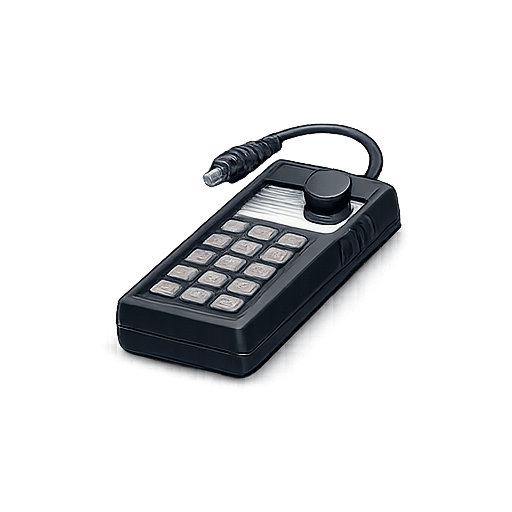
Try the ColecoVision browser emulator. Compatibility and mobile performance can vary by game and device.
Explore the experimental PC-FX browser emulator on a modern device. Performance and compatibility vary by game.
Choose your games safely
Open an emulator, select approved homebrew, or choose a compatible ROM or game file you are legally authorized to use. Free Play Bay does not include commercial game files, and files selected from your device are processed locally rather than uploaded to the site.